Guide coverage: patches through 1.0.12
How to Fish Tutorial: 9 Opening Prompts
At the beginning of Lighthouse Island, the game displays nine tutorial prompts in the top-left corner. The steps below explain each action in plain language and follow the same order as the game. The listed keys are the default keyboard controls. For the lighthouse story (clams, Spider Crab, radar), use Getting started.
-
1Move
Use W, A, S, and D to move forward, left, backward, and right.
WASD
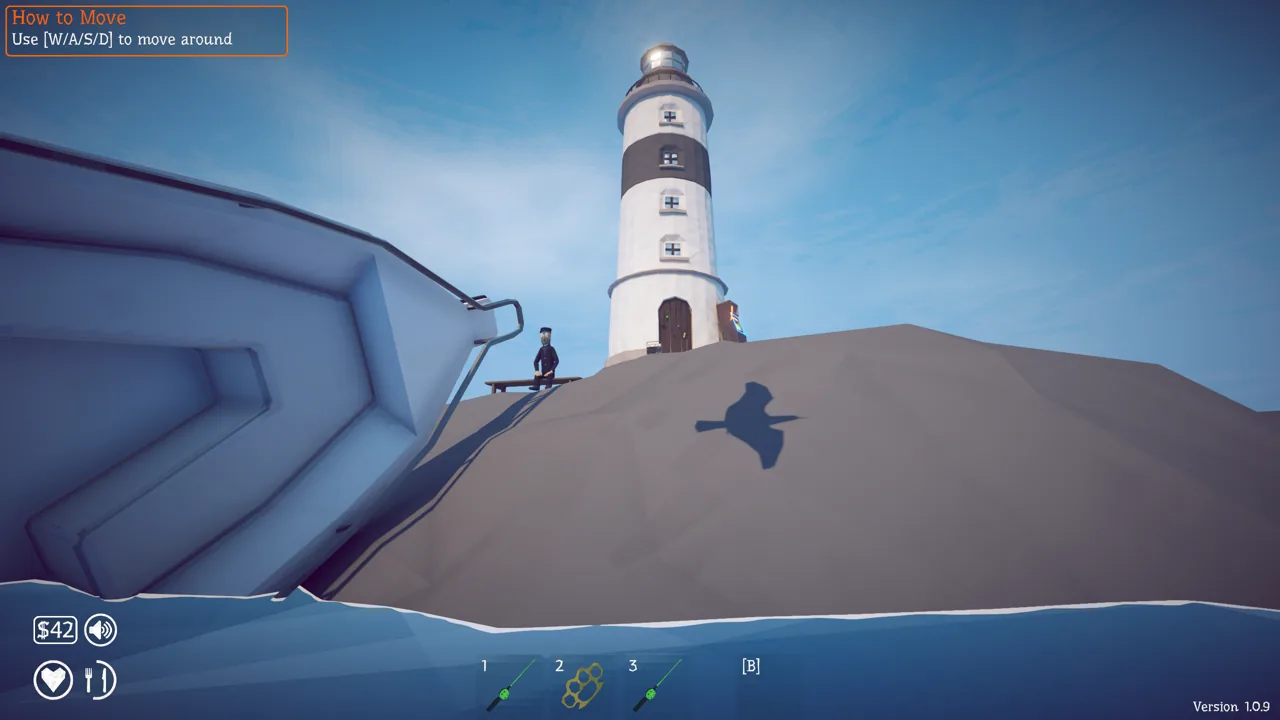
In-game prompt -
2Eat a creature
Hold a creature in your hands, then hold the left mouse button to eat it and reduce hunger. You can practise with a clam from the beach.
Hold left mouse
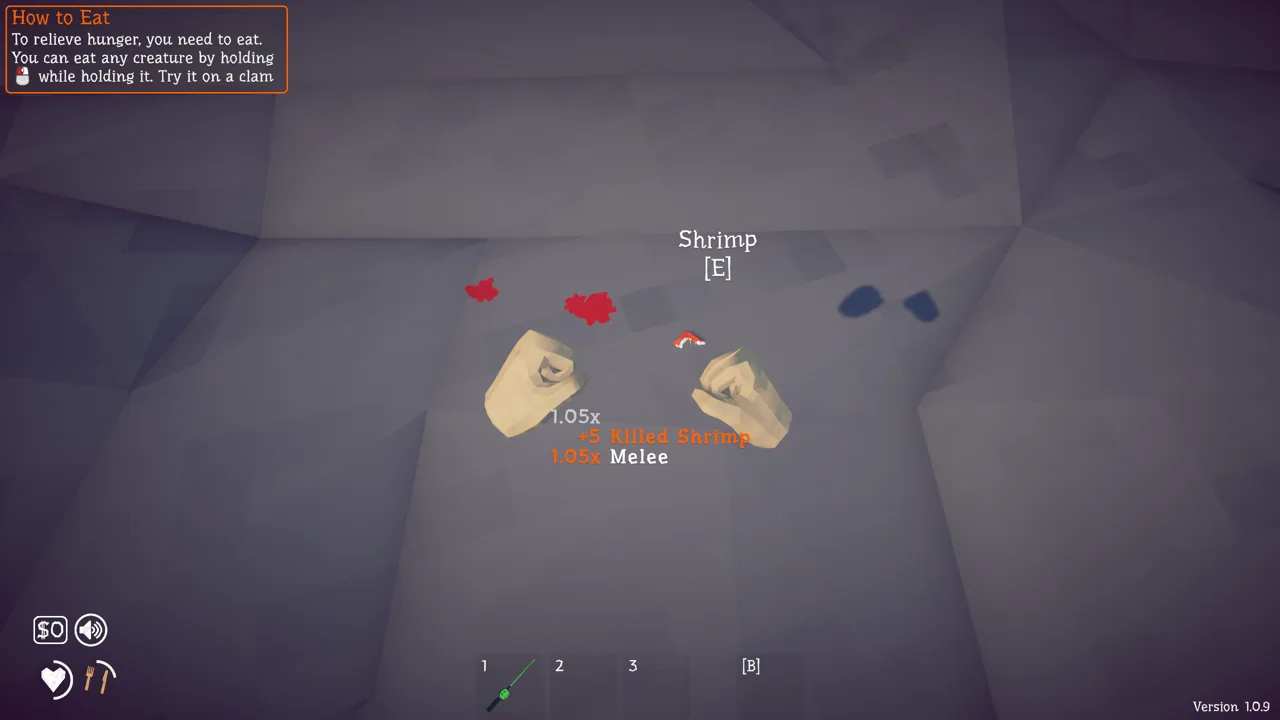
In-game prompt -
3Sell an item
Pick up a clam, stand near the lighthouse keeper, and hold Q to throw it to him. He buys the clam and adds the money to your balance.
Hold Q
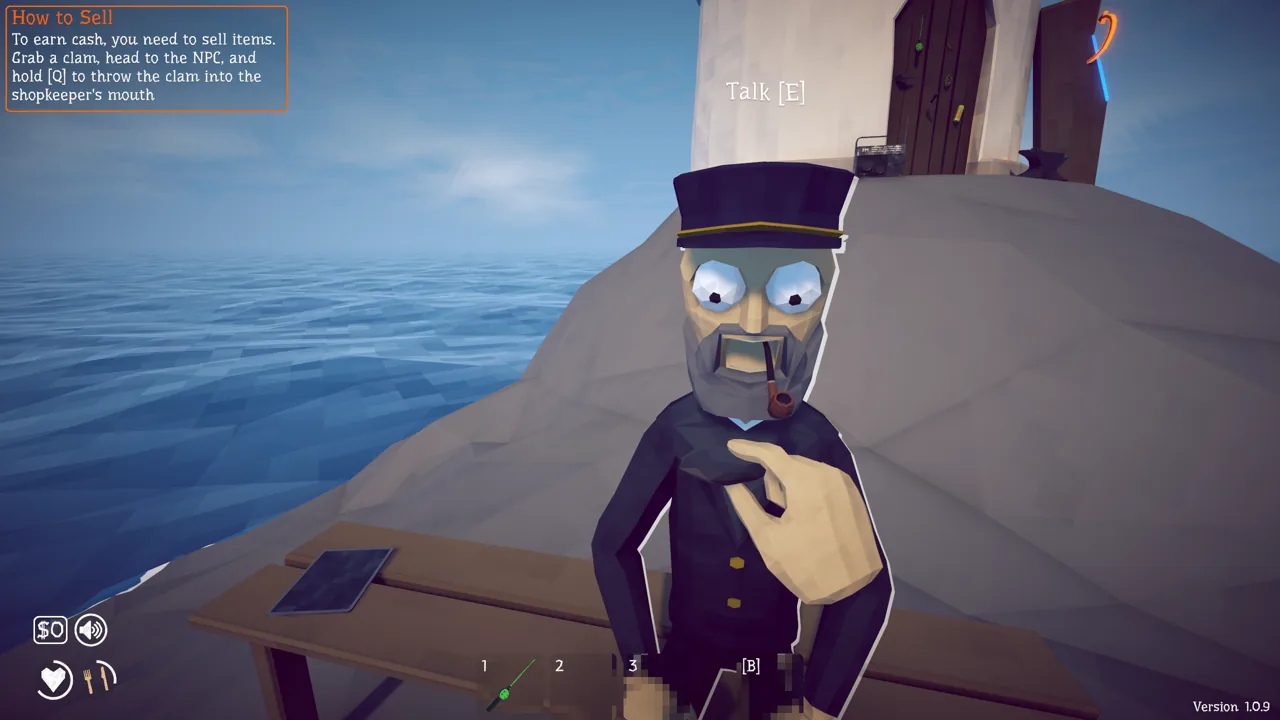
In-game prompt -
4Buy the Crab-Fishing Rod
Go to the shop, look at the Crab-Fishing Rod, and press E to buy it. This is the first rod used to catch crabs and other crustaceans.
E
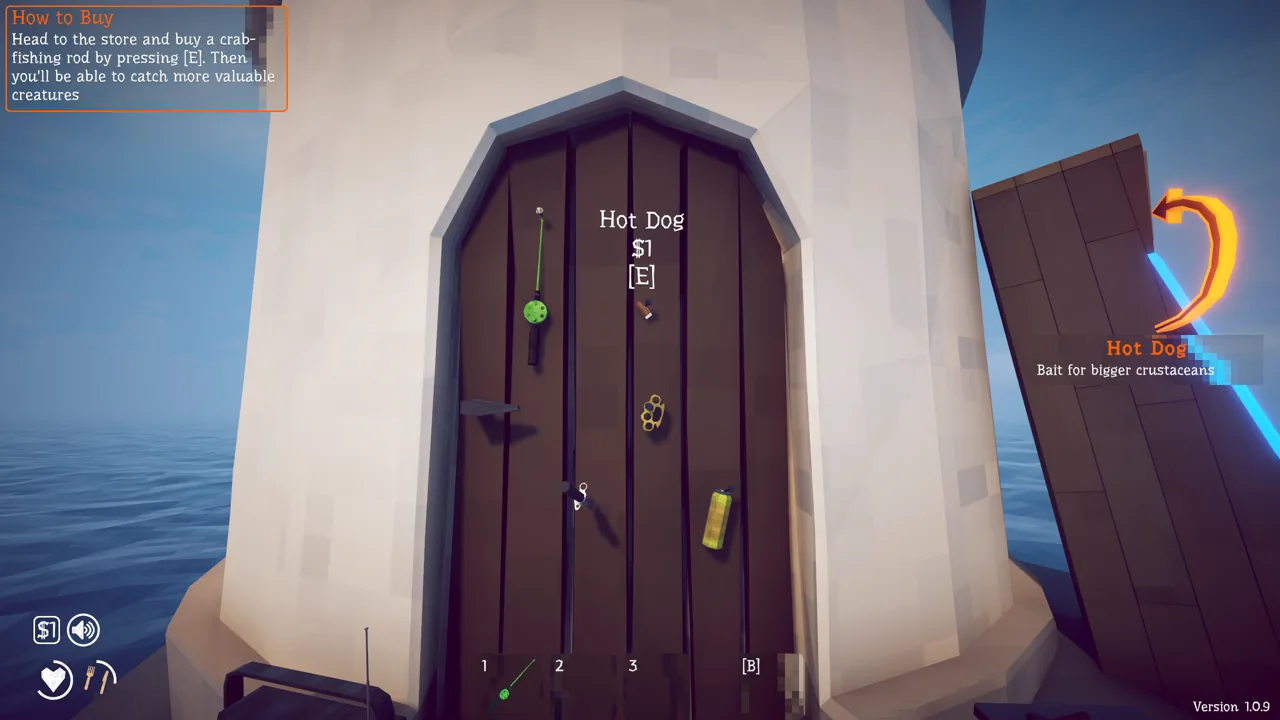
In-game prompt -
5Cast the rod
Face the water, hold the left mouse button to charge the cast, then release it to throw the hook. Leave the hook in the water and wait for a creature to bite.
Left mouse: hold, then release
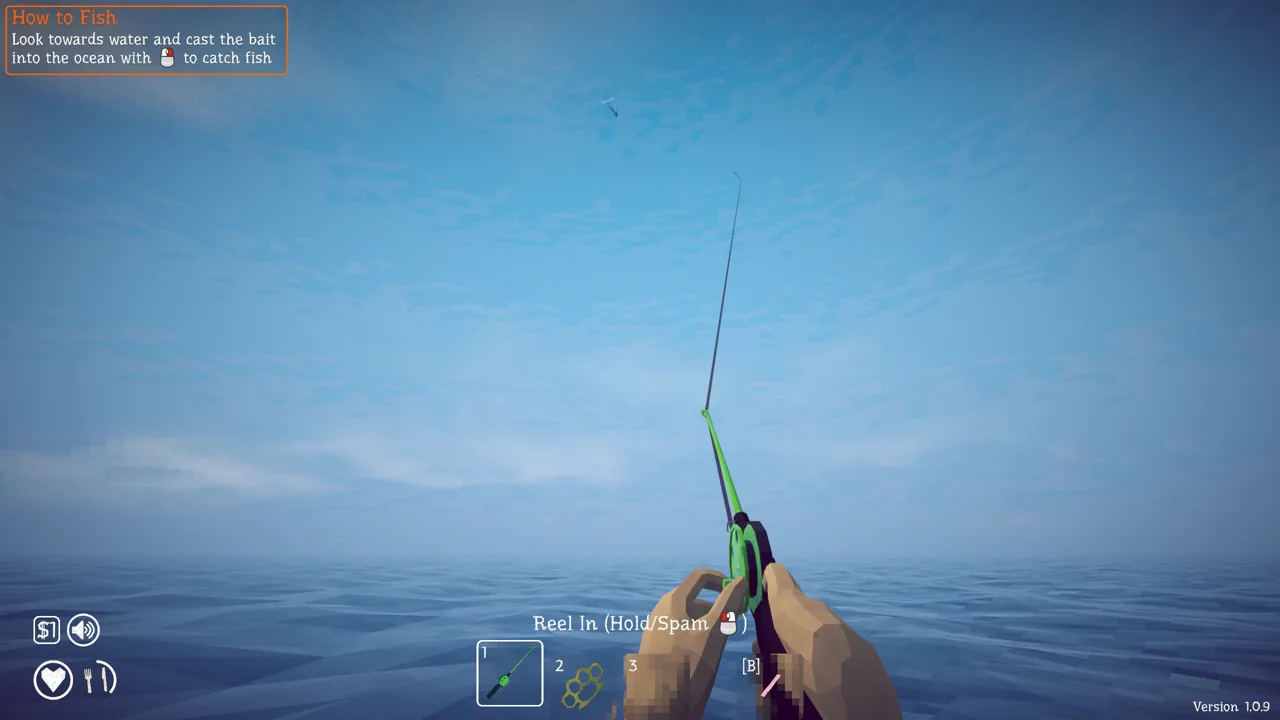
In-game prompt -
6Land and kill the catch
When a creature bites, hold or repeatedly click the left mouse button to reel it onto land. Press the right mouse button to remove it from the hook, press X to unequip the rod, then attack with the left mouse button. Kill it before it returns to the water.
Left mouse: reel / attackRight mouse: remove from hookX: unequip rod
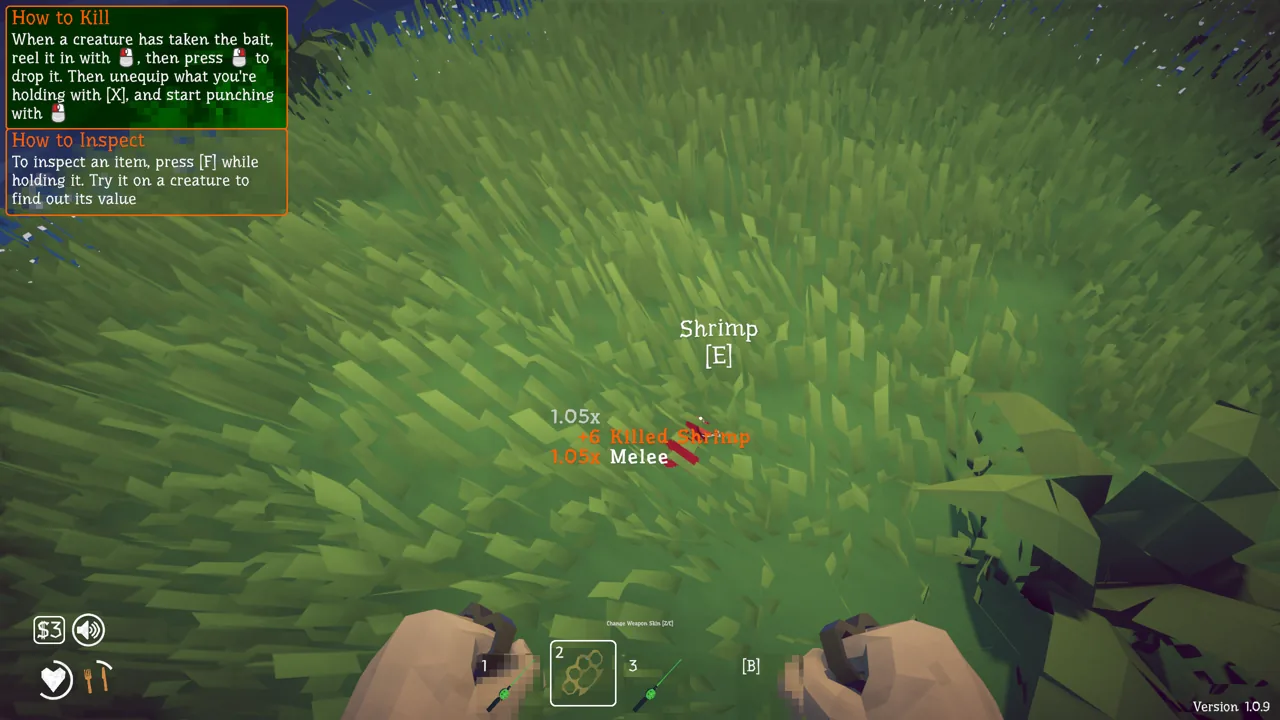
In-game prompt -
7Talk to an NPC
Look at an NPC and press E to start a conversation. Read what they request and complete the task; NPC quests advance the story and unlock new islands.
E
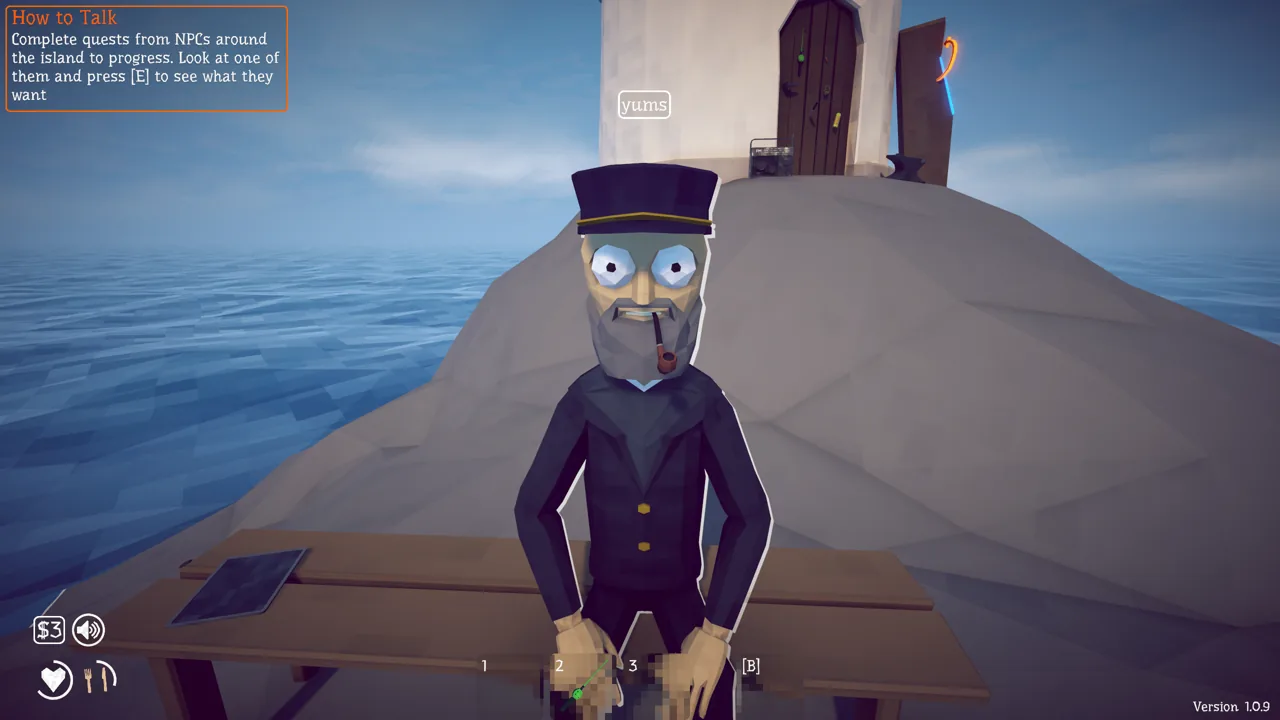
In-game prompt -
8Inspect an item
Hold an item or creature and press F to inspect it. The inspection display shows information such as its sale value.
F
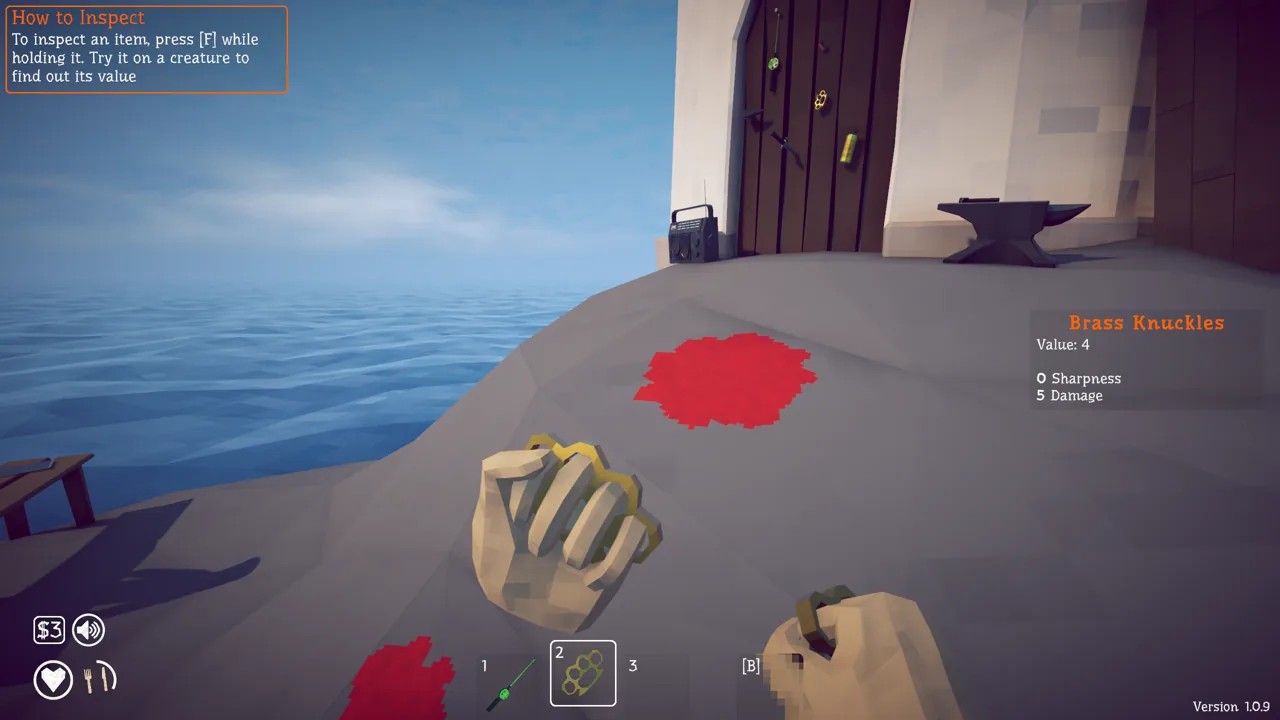
In-game prompt -
9Open the creature journal
Press Tab to open the creature journal (called Thinking mode in the game). It shows the creatures you have killed and your collection progress for normal creatures and drip variants with special skins.
Tab
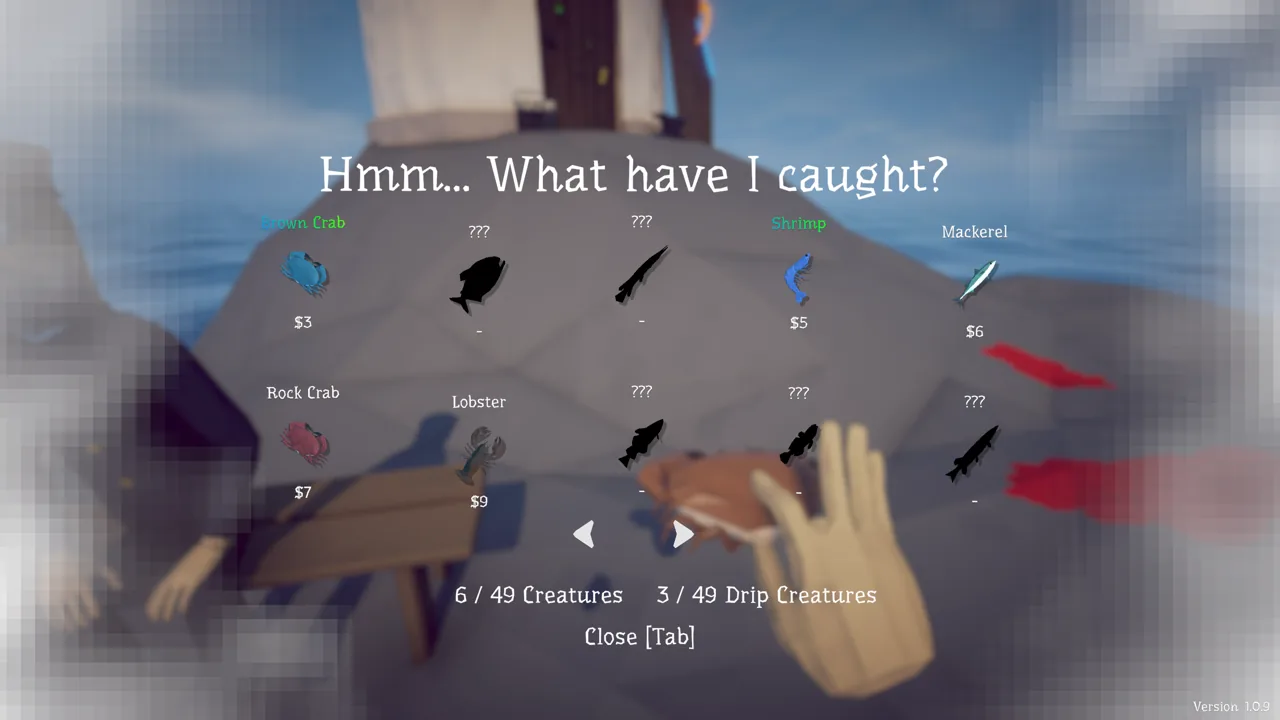
In-game prompt
Other fishing prompts
After the nine opening steps, the HUD can still show fishing actions that are not part of that list. They use the same mouse button as casting.
- Reel In (Hold/Spam): keep the left mouse button held or click it repeatedly after a bite, and while bait marked “reeling required” is in the water.
- Pull Back Rod (Hold): hold the shown button to pull the rod back against a heavy catch.
- Release Line (Hold): hold to give the line slack if the catch is pulling too hard.
Quick answers
Does How to Fish have a tutorial?
Yes. Nine prompts appear on Lighthouse Island when you start; this page lists each prompt with its default key and what it does.
Are there console commands or cheat codes?
No. There is no developer console and no official cheat codes — if you searched for 指令, this game means key bindings.
Can I change the default keys?
Yes, in Settings → Controls. Controllers are supported and the game shows matching button icons.